L-System Explorations
L-System Explorations
A couple of years ago, I briefly played with a Python script to generate svgs based on L-Systems. The code was crude, generated a worrying amount of swastika-like images but it was fun to play with. The initial script suffered some logical issues, such as miss-applying rules, not using the extended syntax, and having a crude method of image generation - calling the script would generate a pseudo-random result each time. At the time, these were shortcomings that, though mildly annoying, were easy enough to work around through brute-forcing the script; generating hundreds of images, and picking out the most interesting ones.
Last week, I returned to the idea, fixing logical bugs, and building out functionality to explore the idea more. Beyond fixing the logical issues, my boals were:
- a defined CLI interface where rules and axioms can be specified
- extend the L-System grammar to include angle and scale change commands
- Develop methods to take an existing image and produce variant forms of it
My implementation is available here.
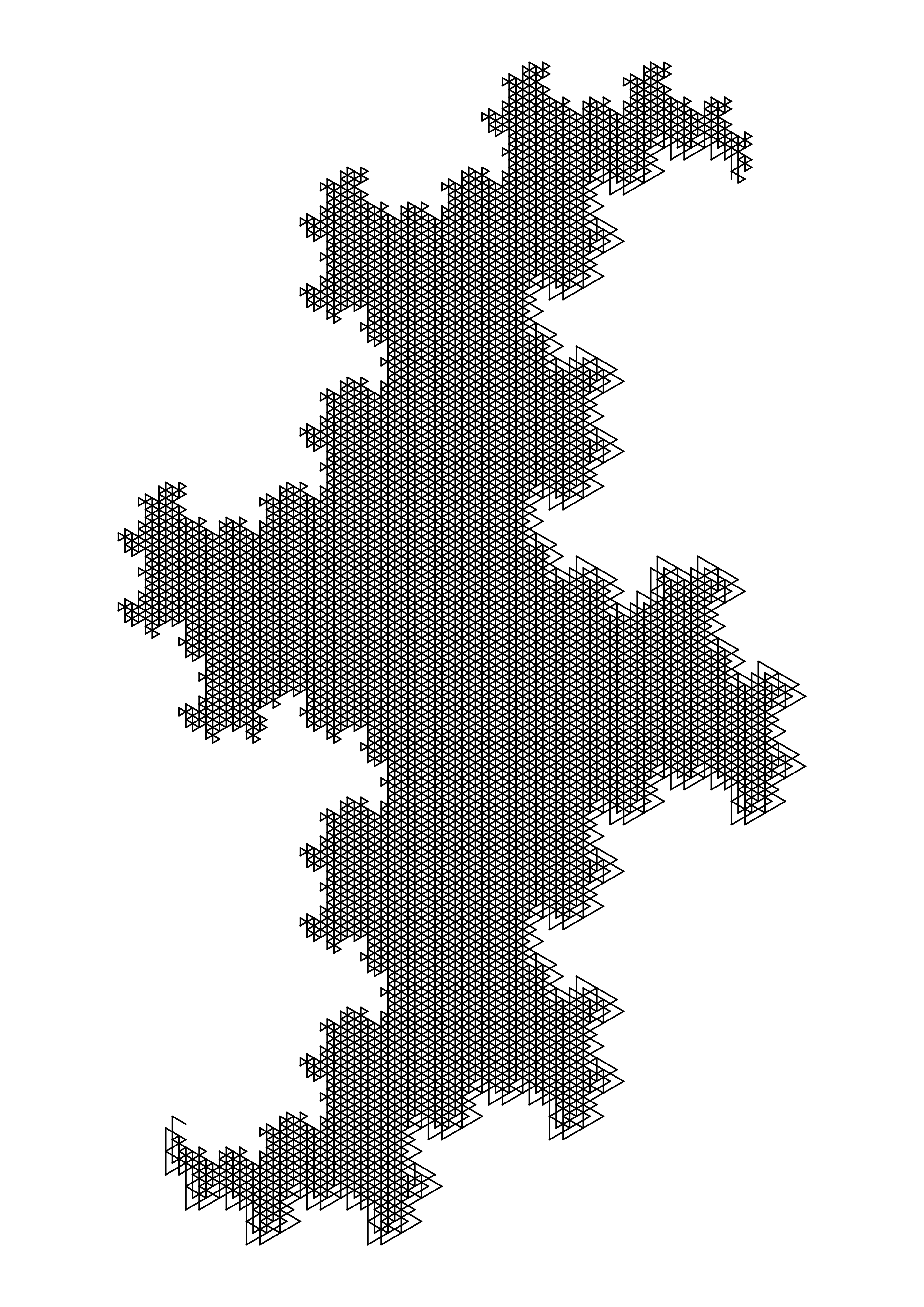
The script still has randomness at its heart, but it's now possible to create fractal-like images with a greater degree of control:
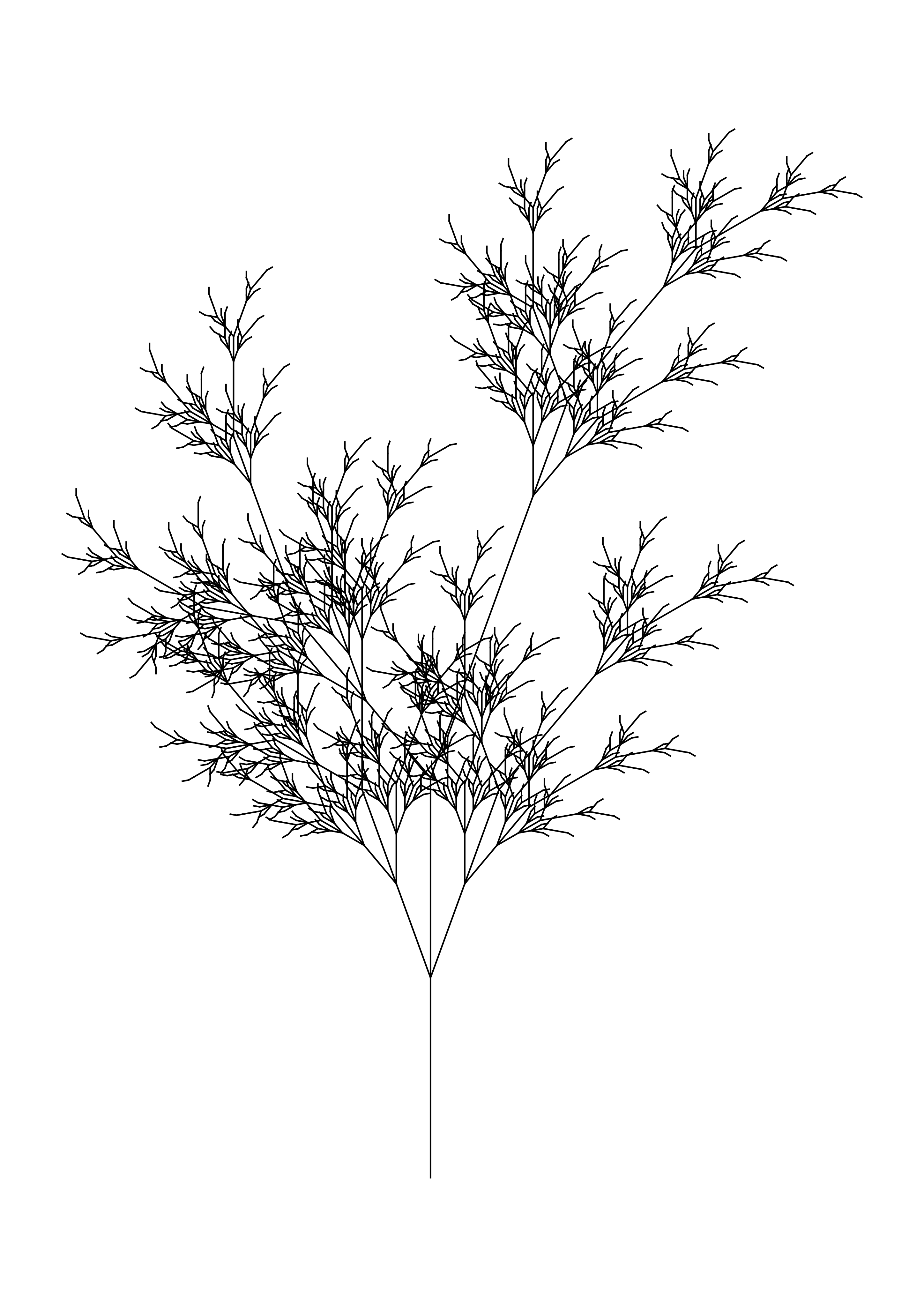
Similarly, more traditional "nature-like" images are possible:
Using the Script
Calling the script with no parameters retains the original behaviour; a random set of rules will be created. The rules are validated to ensure pushes and pops are matched, and opposing directives are not placed next to each other (e.g., + and -).
python3 lsys.pyThere is a configuration file which sets defaults. You can either update these configuration items, or pass the parameters directly to the script. For instance
# Number of iterations to apply the L-System rules to the axiom tree
RECURSION_DEPTH = 13
in config.toml is equivalent to passing --recursion 13 to the script:
python3 lsys_main.py --recursion 13 The resulting file will have a comment describing the rules to generate it:
<!--
TITLE: LSYS PARAMS
PARADIGM: geometric
N: 13
AXIOM: F
RULES: {'F': 'FF+'}
INITIAL_ANGLE: 90
ROTATE_ANGLE: 120.0
LINE_LENGTH: 150
CREATED: 2026-07-17 18:51:54
-->
You could use these definitions to manually create a variation, but there is a --read option which'll do this for you:
❯ python3 lsys_main.py --read output/F→FF+.svgwhich outputs the following:
--rules "'F': 'FF+'" --axiom F --recursion 13 --initial-angle 90 --rotation 120.0which can then be tweaked to generate variations on the first image.
Perhaps more usefully, there is also a --variant flag which will generate a variant of the image, based on the original rules:
❯ python3 lsys_main.py --variant output/F→FF+.svgthere is also an --iterate flag which will generate a series of images, each one a variant of the previous one:
❯ # create five variants of the original image
❯ python3 lsys_main.py --iterate output/F→FF+.svg -n 5
All of these features and more can be explored using the script's --help flag:
L-System SVG Generator

options:
  -h, --help            show this help message and exit
  --rules RULES         User-defined L-System rules dictionary (or literal string)
  --axiom AXIOM         Axiom for the L-System
  --initial-angle INITIAL_ANGLE
                        Initial angle for the L-System
  --rotation ROTATION   Rotation angle for the L-System
  --recursion RECURSION
                        Recursion depth for the L-System (overrides config)
  --title TITLE         Title printed in logs
  --paradigm {geometric,stochastic,extended-geometric,extended-stochastic}
                        Rule generation mode
  --bleed BLEED         Margin padding (in mm)
  --options-per-rule OPTIONS_PER_RULE
                        Rule variations per char for stochastic
  --ppmm PPMM           Pixels per mm
  --paper-size PAPER_SIZE PAPER_SIZE
                        Paper size width and height (mm)
  --background-color BACKGROUND_COLOR
                        Background color
  --precision PRECISION
                        Decimal places to round geometry
  --angle-divisors ANGLE_DIVISORS [ANGLE_DIVISORS ...]
                        Acceptable divisors of 360
  --output-dir OUTPUT_DIR
                        Directory path for SVG files
  --scale SCALE         Scale multiplier for length (< >)
  --angle-increment ANGLE_INCREMENT
                        Angle increment for rotation ( ( ) )
  --weight-increment WEIGHT_INCREMENT
                        Weight increment for line thickness (# !)
  --read READ           Read an SVG file and output the command line arguments to recreate it
  --variant VARIANT     Generate a systematic variant of an existing SVG file
  --iterate ITERATE     Progressively generate iterations of an existing SVG file
  -n, --iterations ITERATIONS
                        Number of iterations to generate (used with --iterate)
  --filename {datetime,rules,unix}
Syntax for generating output filenames- ← Previous
Agile Manchester 2024